
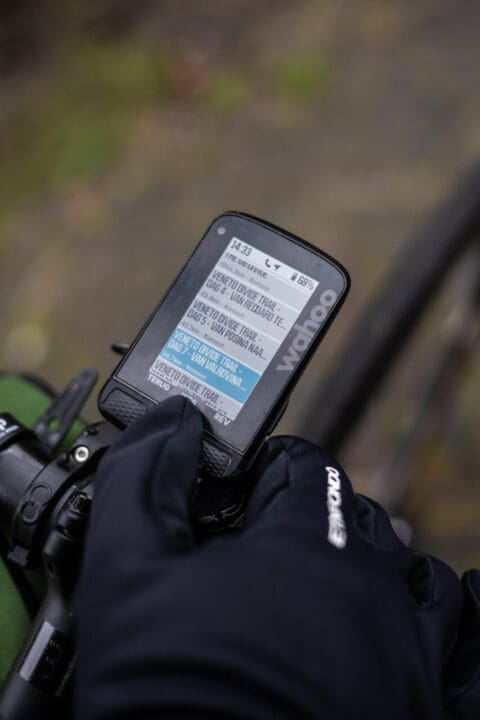
I’ve been riding for about eighteen years now. When I first started riding, bike computers were rather rudimentary. You had more or less speed, distance, movement time, and that’s about it. Since then, a lot has changed. With the introduction of the GPS bike computer, the powermeter and other technical gadgets, things have moved along quite quickly. My first GPS computer only had a line that you couldn’t do anything with. But now? Everything is different. Especially with the Wahoo Element Roam, version two. You can’t even make calls with it, but that’s the only thing it doesn’t do. Let me show you why I’m really a fan of this all-rounder.
Top-level navigation
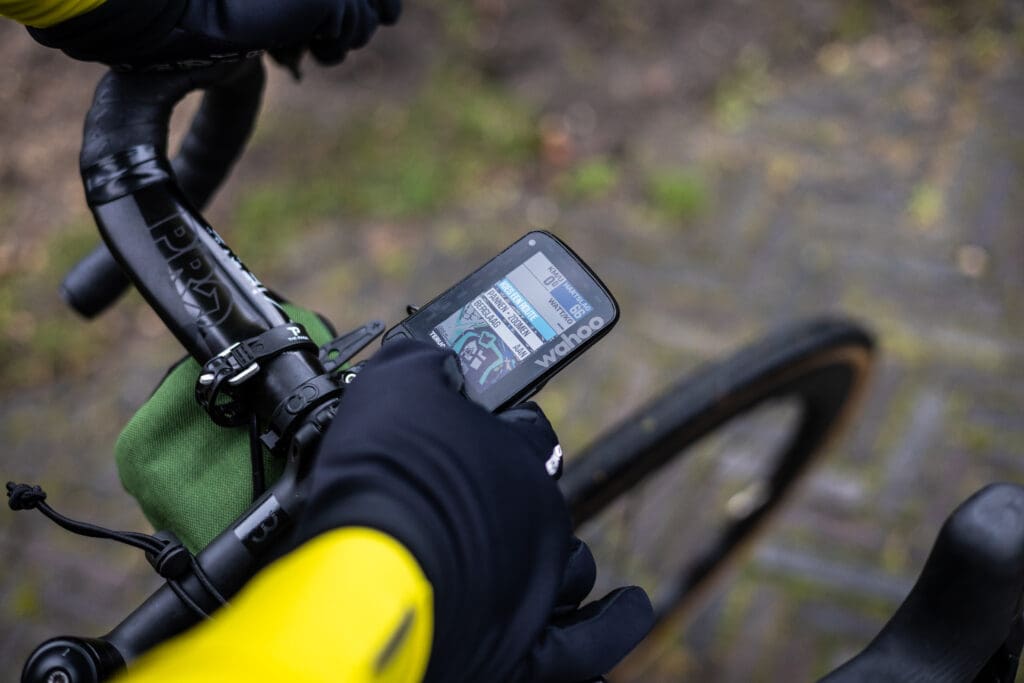
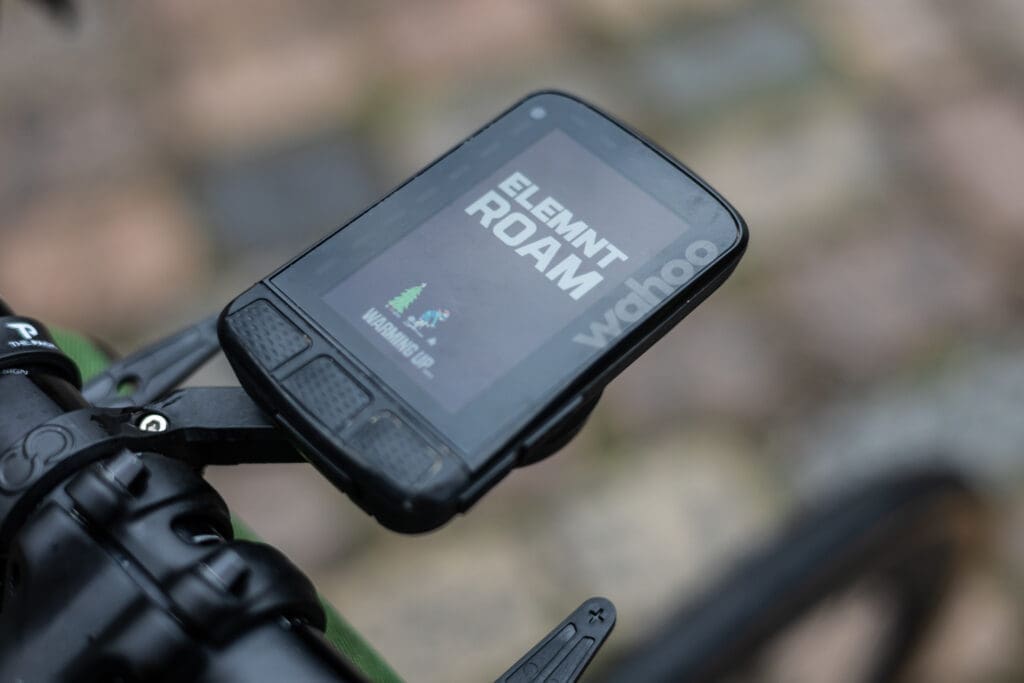
Although a bike computer nowadays has a lot of functions, for many adventurers the navigation is the most important of all. Since I started using a Wahoo bike, which is now almost four years old, I have never been disappointed by the navigation. In fact, I have always been able to find my routes, I have always been directed back to the right direction when I miss the turnoff, and the ‘navigate to starting point’ function is one of the best features there is. The display is now bright and colorful, and you can zoom in to 100m accuracy. The Turn-by-Turn directions are also clearly visible in the main screen and are exactly on the meter. The navigation screen itself can be customized with up to four different data fields, so you can see both the map and your heart rate, cadence, speed, and any power you might have. Exactly right. As for the battery: I do about two to three rides with my Wahoo, depending on the active use of navigation, the length of the ride, and any connected devices.
Even more data
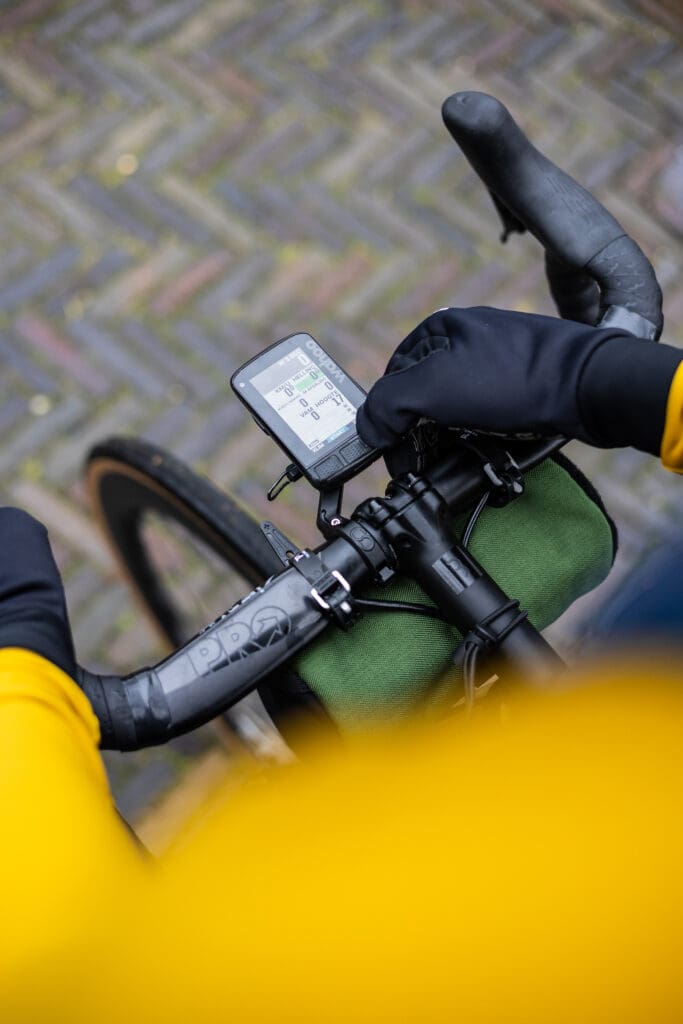
Speaking of data fields, things that performance cyclists especially like to see: with the Wahoo Element Roam you can really go all out. I myself ride with one 4iii Power Meter And that generates a lot of data. On my data screen, I like to see the current speed, the average, the distance, the movement time, heart rate, average heart rate. power output, cadence, clock, and the temperature. I also find the average power output interesting, but I don’t really use it that much. You can show even more data, but that’s a bit overwhelming sometimes. The TSS (suffer score) I can’t really handle, and I don’t really care about an average cadence either. The option to log ‘round times’ is nice, but I haven’t really used it before. It’s nice though: altitude meters in the mountains (which you actually measure in meters ‘up’ and meters ‘down’). You really don’t want to see slope percentages, but yeah, that option is there too, including color options.
Training down to the very last detail
We also need to talk about training. Because training is also important for many cyclists. They are not only concerned with riding routes and enjoying the nature and surroundings. You can often upload your workouts from a training program, just as you have the option to send Supersapiens reminders and data to your Wahoo. You can then load the workouts and start them at any time. Handy, really. Just like the time reminders you can set to eat and drink. Training data can also be easily unlocked via one of the many app connections, such as Strava, Trainingpeaks, Ridewithgps and many more.
Routes loaded like a pro
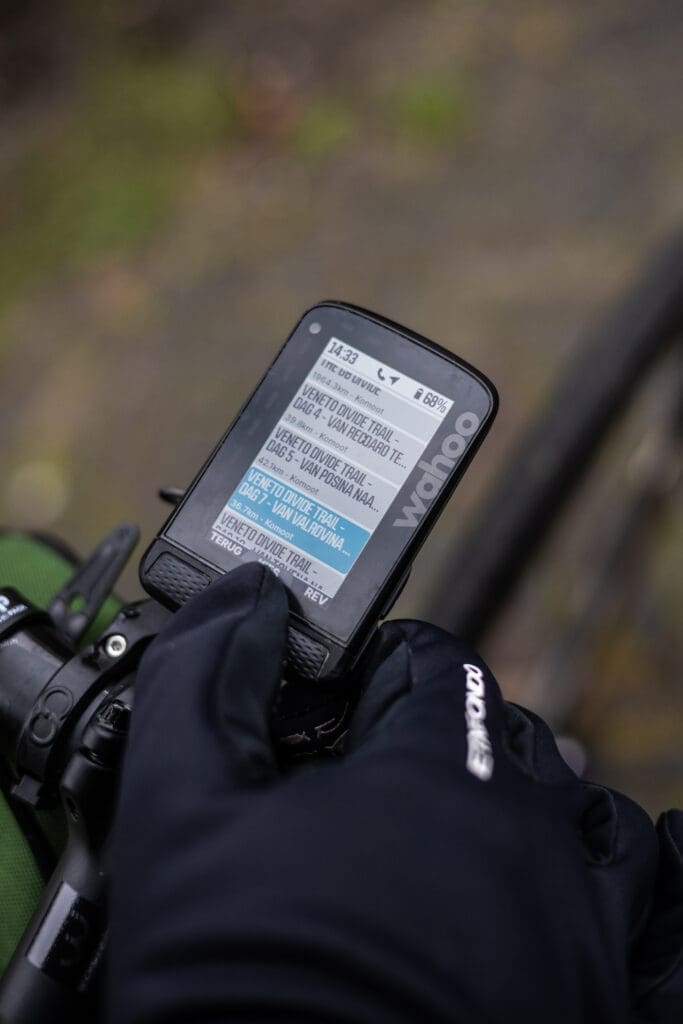
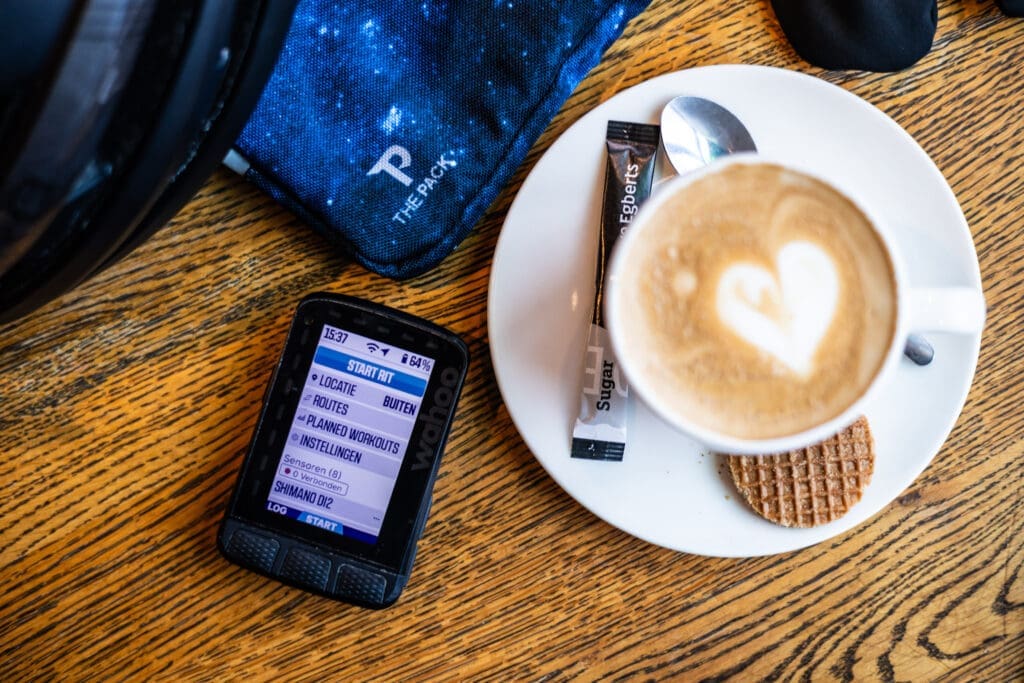
So where you can really put the computer to good use is driving/navigating routes. I myself make very good use of it. Komoot And for that there is a handy upload and download function. Simply put: routes you create are automatically synchronized, and your driving routes are also read and uploaded to, for example, Komoot or also Strava. You can also upload GPX files manually via the Element App on your phone. What’s also handy: while driving, the app recognizes when you’re on a climb and you see immediately how far you have to go and what the climb looks like. Those elevation profiles are really great, especially on long climbs in the Alps or Pyrenees. The extra features like ’take me to …x’ or ‘stored locations’ allow you to create a lot of possibilities for navigation yourself.
Other small details
Sometimes you are surprised. I don’t normally like surprises like that. But when you can also use the menu with your Di2 shifting system, from the brake lever, I’m very happy with that. With the right lever you operate the button on the bottom right, so left is left bottom. Convenient to switch between screens. Do you need it? No, but it’s nice to have. Both Shimano, Campagnolo, and SRAM also offer the possibility to see which gear you are in on your electronic system and the amount of battery left. During your ride, you can also have someone follow you via the Element App, in case of emergency contact. This is extra handy for when you’re out alone in unfamiliar terrain. This beacon function is also in the Strava app, but in this way it’s free and just as reliable.
Buying that thing
In short: I could go on for hours and probably haven’t even mentioned all the features. But if you ever want to buy a cycling computer and never want to use anything else, then this is my advice. You buy the bike computer with a handlebar mount that fits almost any handlebar. I myself have now also got a HideMyBell mount from Close the Gap sit on it. You can have the speed measured with GPS, but it is most convenient to also order the speed and cadence meter. That can be done with THIS PACKAGE. There is also a heart rate monitor here, something I always use myself. You can also use your own heart rate monitor and speed/cadence meters. Then the computer is already for you starting from just €340.
You can find all the technical features of the Wahoo Element Roam v2 here here. Of course, the Wahoo works with all kinds of ANT+ or BLE connectivity options, and you can also find your way to the WorldWideWeb wirelessly via WiFi connection.
DISCLAIMER:
Read also: Need a little help? An explanation about switching and switching groups

Questions & tips
Do you have any questions about this route, or have you been there yourself? Share them here. We read everything and usually respond within a few days.